


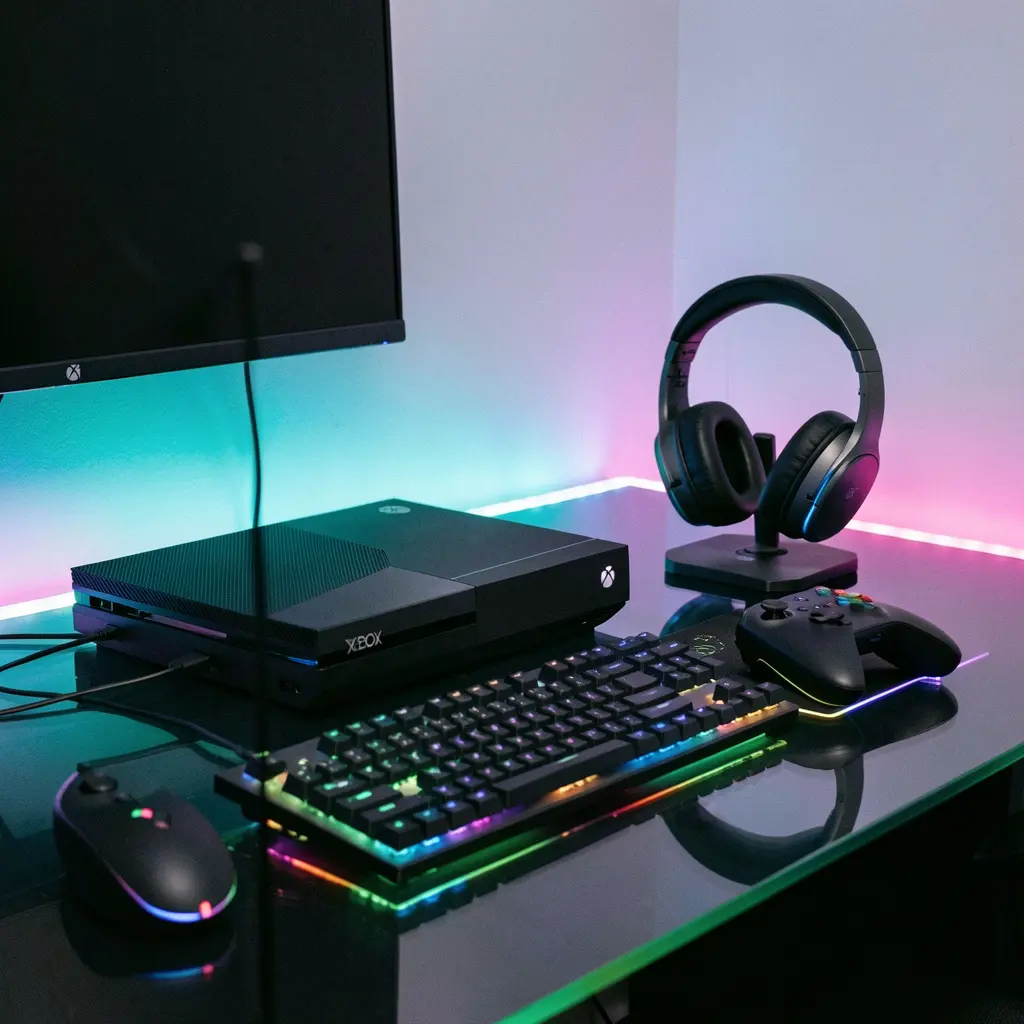
If you’re trying to figure out how to connect Bluetooth headphones to Xbox One, you’re not alone. Many Xbox users assume Bluetooth headphones will connect directly—but Xbox One handles audio differently than phones or PCs.
Who is this guide for?
-
Xbox One / One S / One X users
-
Gamers using Bluetooth headphones or earbuds
-
Beginners confused about wireless audio on Xbox
What benefit will you get?
By the end of this guide, you’ll know:
-
Why Xbox One doesn’t support Bluetooth audio directly
-
All working methods to connect Bluetooth headphones
-
Best alternatives if Bluetooth doesn’t work
-
Common problems and easy fixes
Does Xbox One Support Bluetooth Headphones?
Short answer: No — Xbox One does NOT support Bluetooth audio directly.
Why?
Xbox One uses:
-
Xbox Wireless protocol
-
USB audio
-
3.5mm controller audio
❌ It does not support standard Bluetooth audio profiles (A2DP).
So even if your headphones are Bluetooth, Xbox One won’t detect them automatically.
👉 But don’t worry—there ARE working solutions, explained below 👇
All Working Ways to Connect Bluetooth Headphones to Xbox One
There are 4 proven methods that actually work.
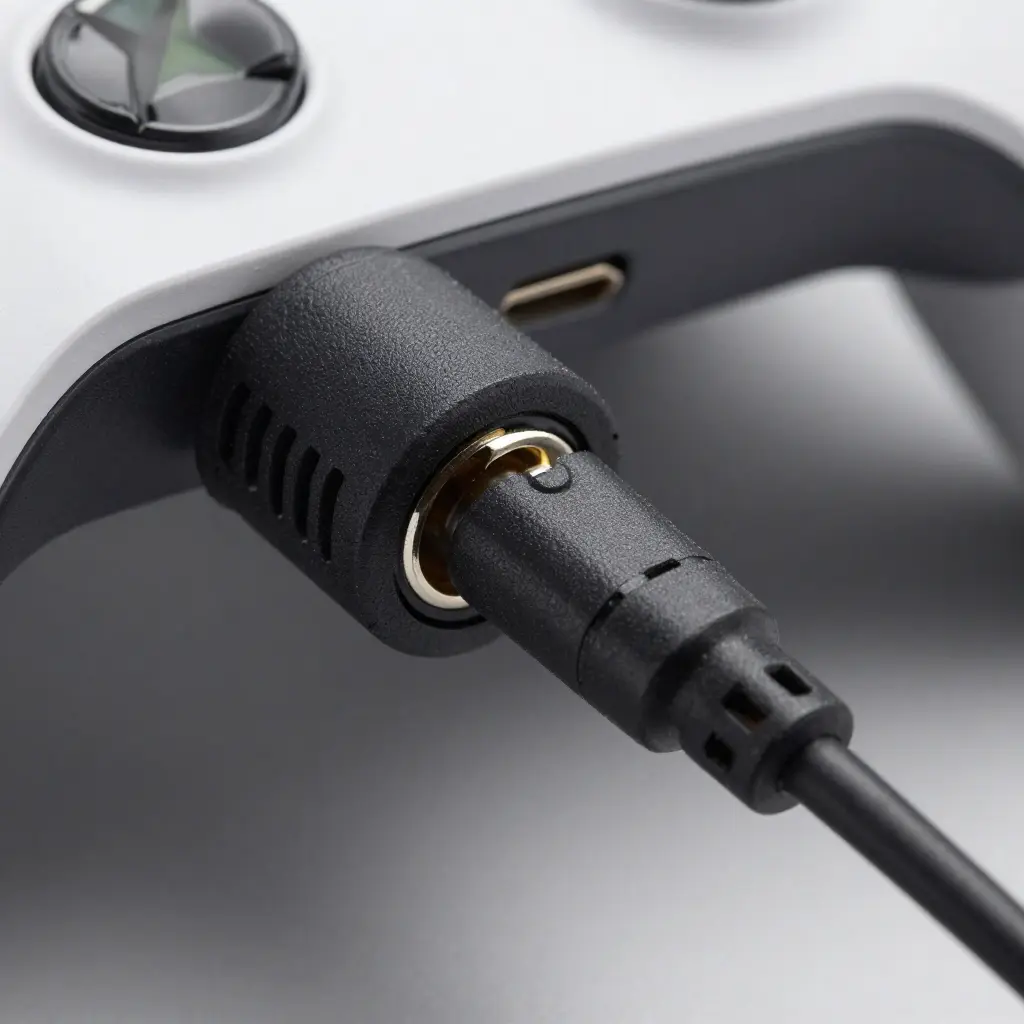
Method 1 – Use Bluetooth Headphones with Xbox
Controller (3.5mm Jack)
Best for: Wired + wireless hybrid users
Difficulty: ⭐ Easy
Audio quality: ✅ Good
What you need:
-
Xbox One controller with 3.5mm jack
-
Bluetooth headphones with AUX cable
Steps:
-
Plug the 3.5mm AUX cable into your Xbox controller
-
Connect the other end to your headphones
-
Turn on the headphones (no Bluetooth pairing needed)
-
Go to Settings → Devices & Accessories → Controller
-
Adjust volume and mic monitoring
✅ Works instantly
❌ Not fully wireless
How to turn Bluetooth wireless Beats into wired headphones
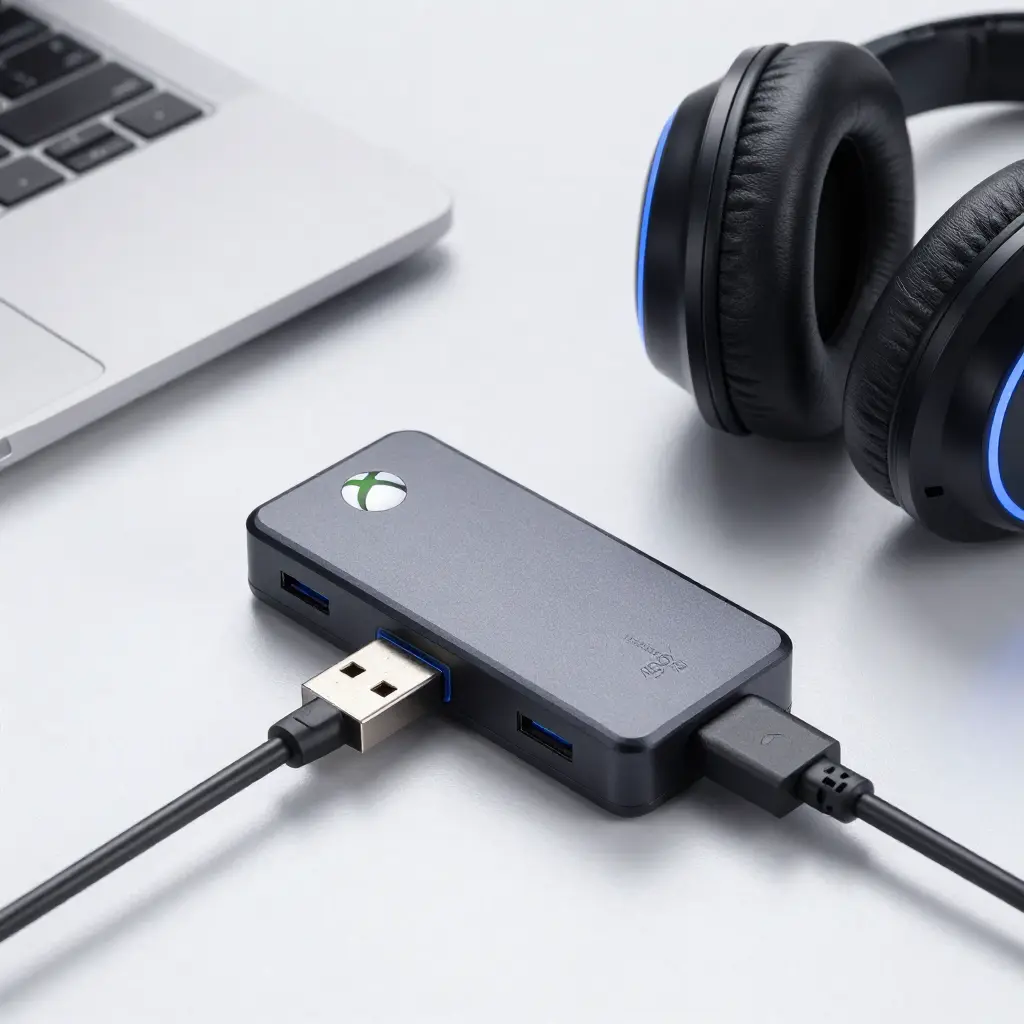
Method 2 – Connect Bluetooth Headphones Using Xbox Bluetooth Adapter
Best for: True wireless experience
Difficulty: ⭐⭐ Medium
Audio quality: ✅ Very good
What you need:
-
USB Bluetooth audio transmitter (low-latency recommended)
-
Xbox One USB port
-
Bluetooth headphones
Steps:
-
Plug the Bluetooth transmitter into Xbox USB port
-
Put transmitter into pairing mode
-
Put headphones into Bluetooth pairing mode
-
Wait until they connect automatically
🎧 Audio will route through USB
Important tips:
-
Choose aptX Low Latency transmitter
-
Avoid cheap no-brand adapters (audio delay issues)
📌 This is the most popular workaround.
Method 3 – Use Xbox App + Bluetooth Headphones (Indirect Method)
Best for: Party chat & casual gaming
Difficulty: ⭐⭐ Medium
Audio quality: ⚠ Mixed
What you need:
-
Smartphone or PC
-
Xbox App installed
-
Bluetooth headphones
Steps:
-
Install Xbox App on phone or PC
-
Sign in with your Xbox account
-
Connect Bluetooth headphones to phone/PC
-
Open Xbox App → Join Party Chat
-
Use headphones for chat audio
⚠ Game audio still comes from TV
✅ Party chat through headphones
📌 Works well for communication, not immersive gaming.
Method 4 – Use Bluetooth TV Connection (Smart TV Users)
Best for: Smart TV owners
Difficulty: ⭐ Easy
Audio quality: ⚠ Depends on TV
Steps:
-
Connect Xbox One to Smart TV via HDMI
-
Open TV Bluetooth settings
-
Pair Bluetooth headphones with TV
-
Select headphones as audio output
❌ Microphone may not work
⚠ Possible audio lag
Best Method Comparison (Quick Table)
| Method | Wireless | Audio Lag | Mic Support | Recommended |
|---|---|---|---|---|
| Controller AUX | ❌ | None | ✅ | Yes |
| USB Bluetooth Adapter | ✅ | Low | ⚠ Depends | ⭐ Best |
| Xbox App | ✅ | None | ✅ | Chat only |
| TV Bluetooth | ✅ | Medium | ❌ | Optional |
Common Problems & Fixes
Bluetooth headphones not connecting
✅ Use USB Bluetooth transmitter
❌ Xbox does not detect Bluetooth directly
Audio delay / lag
-
Use Low-Latency (aptX) adapter
-
Avoid TV Bluetooth for gaming
Microphone not working
-
Use controller AUX
-
USB adapter with mic support
Are Bluetooth Headphones Worth Using on Xbox One?
Pros:
-
Comfortable
-
Multi-device use
-
Wireless freedom
Cons:
-
No native Bluetooth support
-
Extra accessories needed
Do earbuds have less sound isolation than headphones?
Best Alternatives to Bluetooth Headphones for Xbox One
If you want zero hassle, consider:
-
Xbox Wireless Headsets
-
Wired gaming headsets
-
USB compatible gaming headphones
FAQs – Frequently Asked Questions
FAQ 1: Can Xbox One connect to AirPods?
❌ Not directly
✅ Works via Bluetooth USB adapter or TV Bluetooth
FAQ 2: Can I use Bluetooth earbuds with Xbox One?
Yes, but only using:
-
Bluetooth transmitter
-
Xbox App workaround
FAQ 3: Is there Bluetooth in Xbox Series X/S?
❌ No (same limitation)
FAQ 4: Which method has the least lag?
👉 USB Bluetooth adapter with aptX Low Latency
FAQ 5: Can I use Bluetooth headphones for voice chat?
Yes, but mic support depends on adapter or controller connection
Final Thoughts
Xbox One doesn’t make Bluetooth audio easy—but with the right method, it works perfectly.
👉 If you want simple & reliable → use controller AUX
👉 If you want fully wireless → use USB Bluetooth adapter
This guide covers every working option so you can choose what fits you best.