



Choosing Headphones for Long Working Hours
If you are searching for how to choose headphones for long working hours, you are likely someone who wears headphones for several hours every day—at work, during remote jobs, studying, or professional tasks.
Who is this for?
This guide is for:
-
Office workers
-
Remote employees
-
Call center agents
-
Freelancers
-
Students
-
Professionals working in noisy or shared environments
What benefit will you get?
By the end of this guide, you will:
-
Avoid ear pain, fatigue, and headaches
-
Choose comfortable, safe headphones for all-day use
-
Understand which features actually matter
-
Make smarter buying decisions (without wasting money)
Why Choosing the Right Headphones for Long Hours Matters
Wearing the wrong headphones for long periods can cause:
-
Ear pressure and discomfort
-
Listening fatigue
-
Neck and head pain
-
Reduced productivity
-
Long-term hearing risks
Many people focus only on sound quality, but for long working hours, comfort, ergonomics, and safety matter more.
Key Factors to Consider When Choosing Headphones for Long Working Hours
Comfort Comes First (Not Sound Quality)
Comfort is the #1 priority for long sessions.
Look for:
-
Lightweight design
-
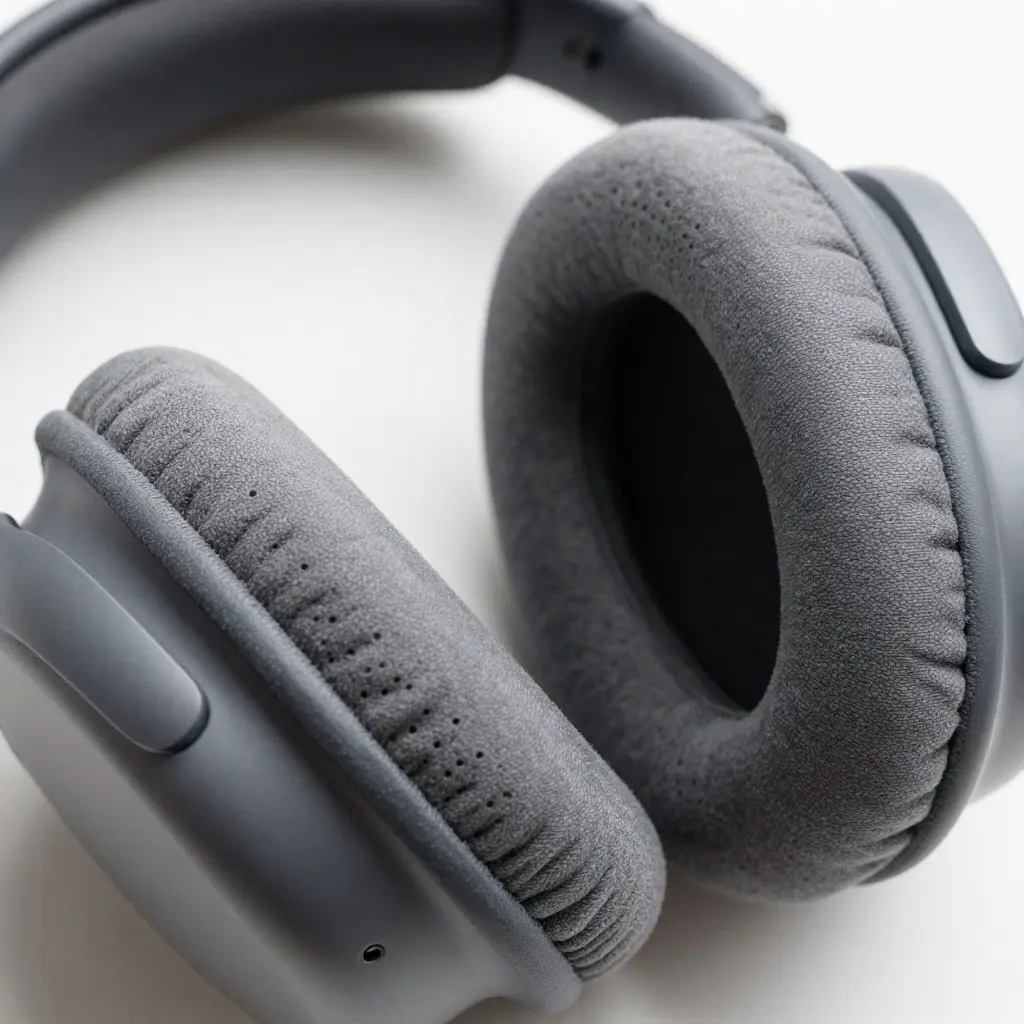
Soft ear cushions
-
Even pressure distribution
Avoid:
-
Tight clamping force
-
Hard ear pads
-
Heavy headphone builds
Pro Tip: If headphones feel uncomfortable within 30 minutes, they will feel painful after 5 hours.
Over-Ear vs On-Ear vs In-Ear: Which Is Best for Long Use?
Over-Ear Headphones (Best Option)
✔ Most comfortable for long hours
✔ Less pressure on ears
✔ Better airflow
❌ Larger size
👉 Best choice for full-day work
On-Ear Headphones
✔ Portable
❌ Pressure on ears
❌ Causes fatigue faster
👉 Acceptable for short sessions, not ideal for 6–8 hours
In-Ear / Earbuds
✔ Portable
❌ Ear canal fatigue
❌ Not ideal for long use
👉 Avoid for full working days
Weight and Clamping Force Explained
Lightweight headphones reduce:
-
Neck strain
-
Head pressure
-
Long-session discomfort
Ideal weight:
-
Under 300 grams for over-ear headphones
Clamping force should be:
-
Firm but not tight
-
Secure without squeezing your head
Ear Cushion Material: Why It Matters
Memory Foam Cushions
✔ Adapts to ear shape
✔ Reduces pressure points
Breathable Fabric vs Leather
-
Fabric: Better airflow, less sweat
-
Leather: Better isolation but warmer
👉 For long working hours, breathable fabric or hybrid cushions are best.
Noise Cancelling vs Noise Isolation for Long Work Sessions
Passive Noise Isolation
-
Comes from ear cup design
-
No electronics
-
No ear fatigue
✔ Best for all-day use
Active Noise Cancelling (ANC)
-
Reduces background noise
-
Useful in loud environments
❌ Can cause fatigue for some users if used all day
👉 Best approach:
Use ANC only when needed, not continuously.
Sound Signature: Flat vs Bass-Heavy
For long working hours:
-
Avoid heavy bass
-
Avoid sharp treble
Best Sound Profile
✔ Neutral or balanced sound
✔ Clear mids (voices, calls)
✔ Soft treble
This reduces listening fatigue and improves focus.
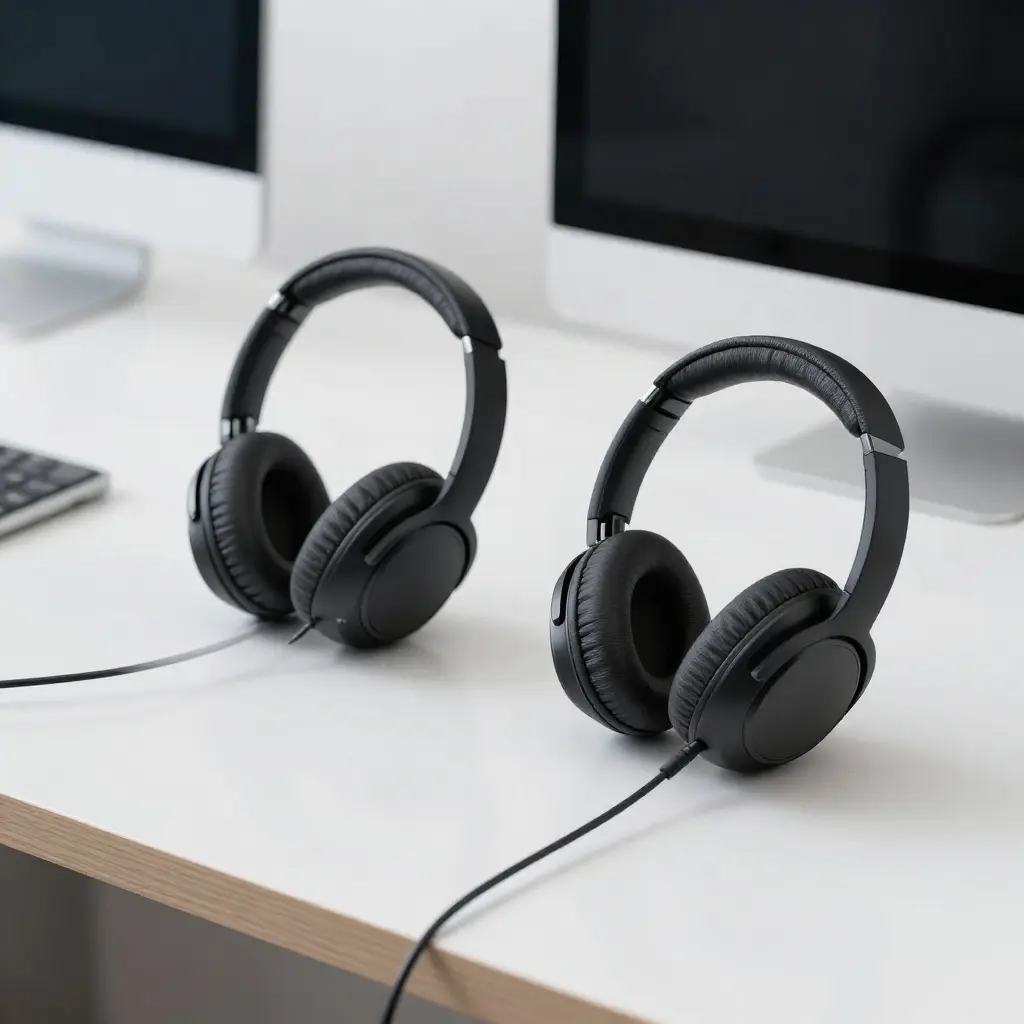
Wired vs Wireless Headphones for Long Working Hours
Wired Headphones
✔ Zero latency
✔ No battery anxiety
✔ Lighter weight
❌ Cable management
Wireless Headphones
✔ Freedom of movement
✔ Clean desk setup
❌ Battery limits
❌ Slightly heavier
👉 For desk-based work: wired is often better
👉 For flexible movement: wireless is acceptable
Battery Life (If Wireless)
If choosing wireless headphones:
-
Minimum 30 hours battery life
-
Fast charging support
-
Use passive mode when battery is low
Avoid headphones that need daily charging.
Microphone Quality for Work Calls
If your work involves calls:
-
Look for noise-reducing microphones
-
Clear voice pickup
-
Avoid gaming mics for office work
👉 Call clarity affects professionalism.
Heat and Sweat Management
For long sessions:
-
Breathable ear pads
-
Spacious ear cups
-
Avoid closed tight designs
Sweaty ears = discomfort + skin irritation.
Durability and Build Quality
Long working hours = daily use.
Check for:
-
Metal or reinforced headband
-
Replaceable ear pads
-
Quality hinges
Cheap plastic breaks faster under daily stress.
Health & Hearing Safety Considerations
Safe Volume Levels
-
Stay below 60% volume
-
Take short breaks every 2–3 hours
Open-Back vs Closed-Back
-
Open-back: Better airflow, natural sound
-
Closed-back: Better isolation
👉 Open-back is excellent for quiet home offices.
If you experience:
-
Ear pain after work
-
Headaches
-
Reduced focus
It’s time to upgrade your headphones, not your ears.
This is where premium comfort-focused headphones justify their price.
You may also find these guides helpful:
Frequently Asked Questions (FAQ)
Are over-ear headphones best for long working hours?
Yes. Over-ear headphones distribute pressure evenly and reduce ear fatigue.
Is noise cancelling safe for all-day work?
Yes, but it’s best to use ANC only when necessary to avoid fatigue.
How many hours is it safe to wear headphones daily?
With safe volume and breaks, 6–8 hours is generally acceptable.
Do expensive headphones last longer for work use?
Usually yes, because comfort and build quality are better.
Are earbuds bad for long working hours?
They are not ideal due to ear canal pressure and fatigue.