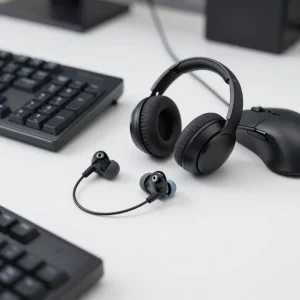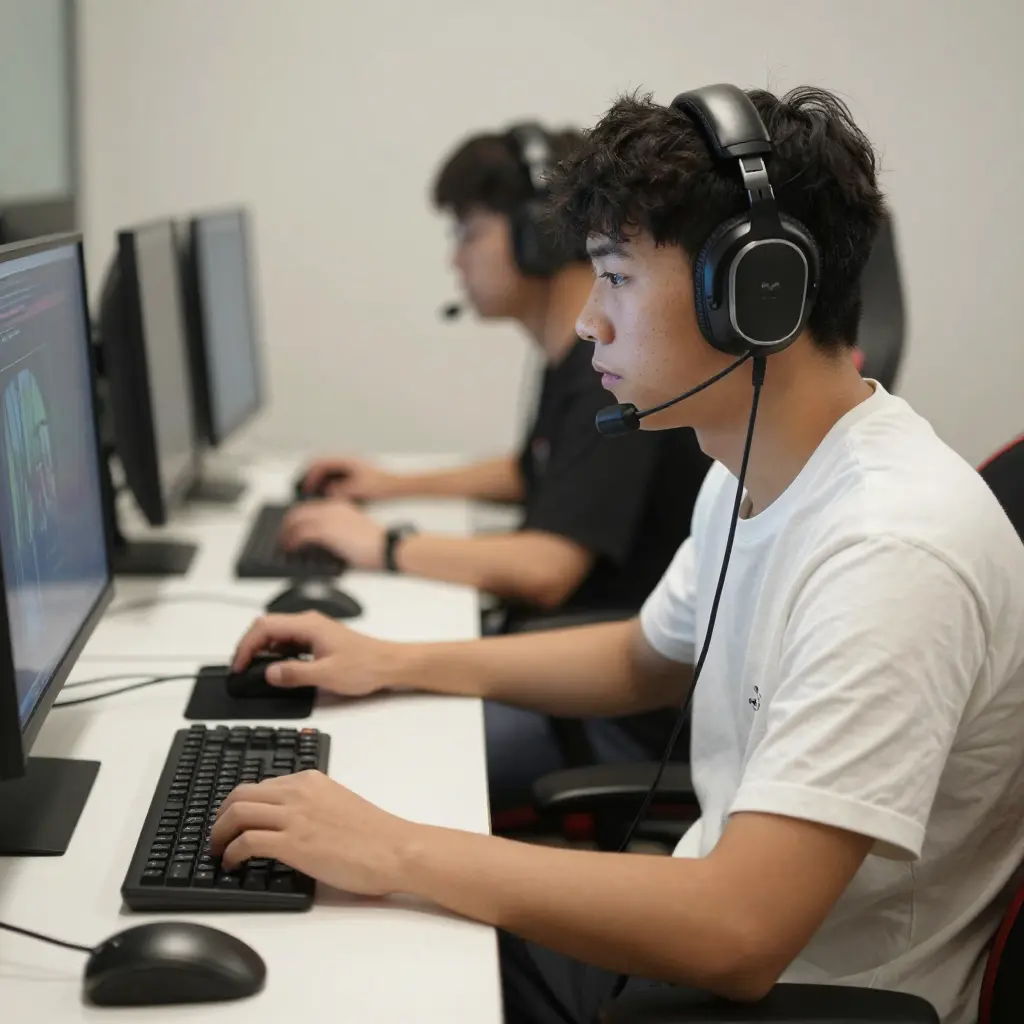
Best way to use IEMs for gaming is a complete guide for gamers who want better sound accuracy, long-session comfort, and competitive advantage without harming their hearing.
Who this is for:
-
Competitive FPS gamers (CS2, Valorant, Warzone, Apex Legends)
-
Console and PC gamers
-
Gamers switching from headsets to IEMs
What benefit you will get:
By following this guide, you will learn how to:
-
Set up IEMs correctly for gaming
-
Improve footstep and directional audio
-
Game longer with less ear fatigue
-
Avoid common mistakes that reduce performance
What Are IEMs and Why Gamers Use Them
What Is an IEM?
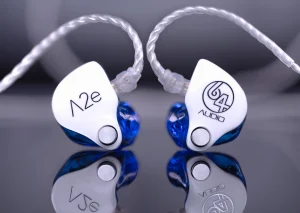
An IEM (In-Ear Monitor) is a type of high-precision earphone designed to sit deep in the ear canal, creating strong noise isolation and accurate sound reproduction.
Originally used by musicians, IEMs are now popular among gamers because of their clarity, comfort, and portability.
Why IEMs Are Popular for Gaming
-
Excellent sound isolation
-
Precise positional audio
-
Lightweight and comfortable for long sessions
-
No head or jaw pressure like bulky headsets
Choosing the Right IEM for Gaming
Sound Signature for Gaming
The ideal gaming sound signature is:
-
Neutral or slightly bright
-
Clear mids for footsteps and voices
-
Controlled bass (not overpowering)
Avoid:
-
Heavy bass-boosted IEMs
-
Strong V-shaped tuning that masks details
Driver Type and Performance
-
Single dynamic drivers provide natural imaging
-
Hybrid drivers improve separation and detail
Both can work well if tuned correctly for gaming.
Comfort and Build Quality
Comfort is critical for long gaming sessions. Look for:
-
Lightweight shells
-
Smooth edges
-
Multiple ear tip options
Proper Fit and Seal (Critical for Performance)
Why Fit Matters
Without a proper seal:
-
Bass response becomes weak
-
Positional accuracy drops
-
You may increase volume unnecessarily
How to Get the Perfect Fit
-
Test all ear tip sizes
-
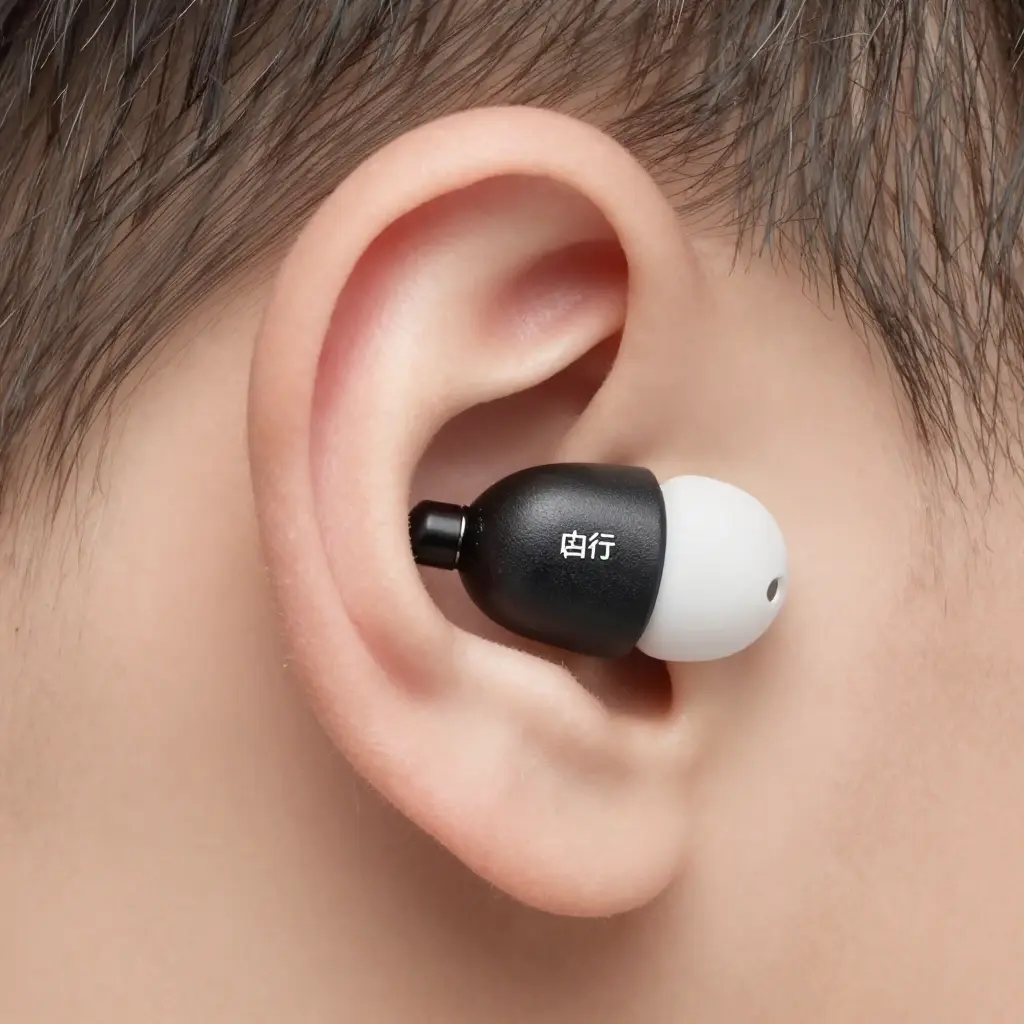
Foam tips provide the best isolation
-
Insert IEMs at a slight angle, not straight
How to Connect IEMs for Gaming
PC Gaming Setup
Best option:
-
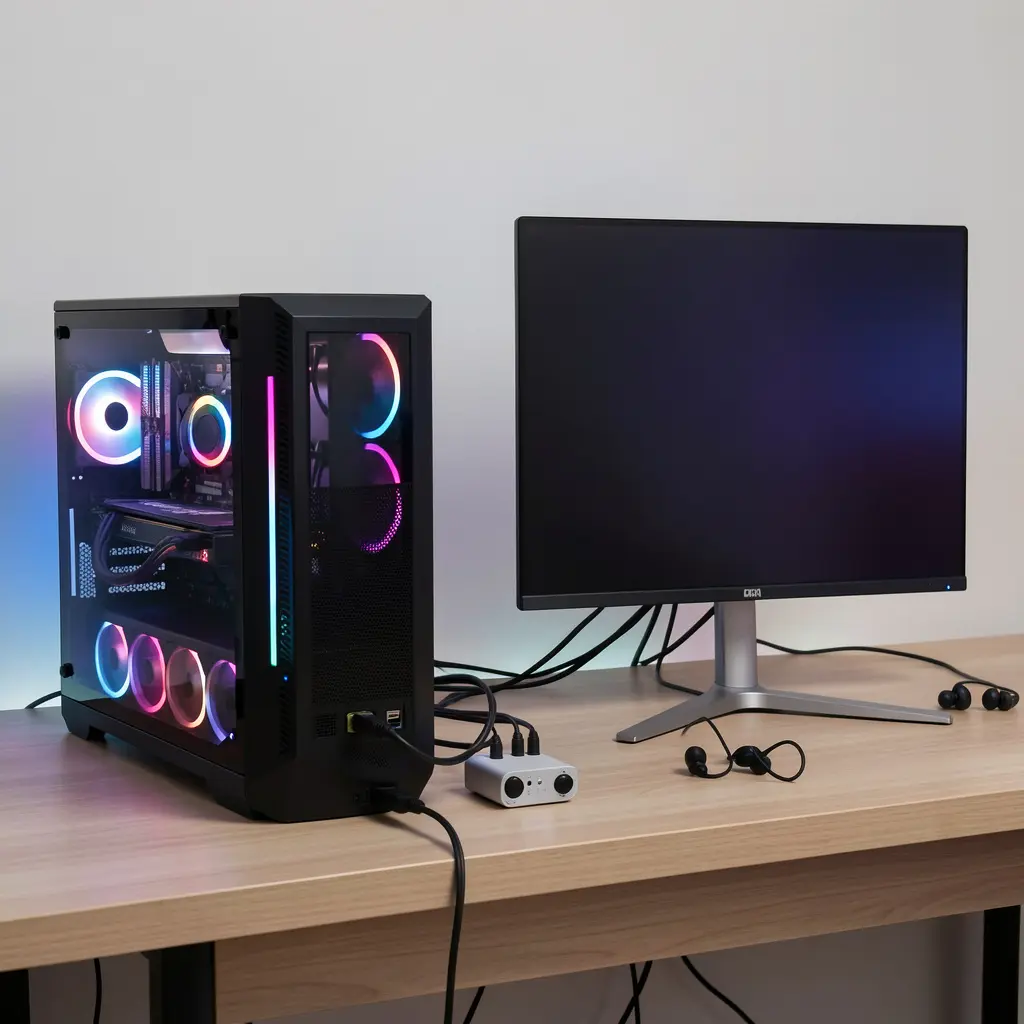
IEM → USB DAC → PC
This avoids motherboard noise and improves clarity.
Console Gaming Setup
-
PS5 and Xbox controller headphone jack works
-
USB DAC offers cleaner sound if supported
Mobile Gaming Setup
-
Use a quality USB-C DAC adapter
-
Avoid cheap dongles that cause distortion
Best Audio Settings for Gaming with IEMs
In-Game Audio Settings
Recommended:
-
Stereo output
-
Disable artificial surround sound
-
Reduce excessive bass options
System Audio Settings (Windows)
-
Disable sound enhancements
-
Set 24-bit / 48kHz output
-
Turn off spatial audio unless the game supports native HRTF
Microphone Options When Using IEMs
Inline Microphone Cables
-
Simple and affordable
-
Suitable for casual gaming
External USB Microphone (Recommended)
-
Clear voice quality
-
No compromise on IEM sound performance
Safe Volume Levels for Gaming with IEMs
Listening Safety Guidelines
-
Keep volume under 60 percent
-
Take breaks every 60 to 90 minutes
Because IEMs isolate noise well, high volume is unnecessary.
Common Mistakes Gamers Make with IEMs
-
Choosing music-focused bass-heavy IEMs
-
Using very high volume
-
Incorrect ear tips
-
Low-quality DACs or adapters
-
Relying on fake surround sound
IEMs vs Gaming Headsets
| Feature | IEMs | Gaming Headsets |
|---|---|---|
| Comfort | Excellent | Heavy over time |
| Imaging | Very accurate | Varies by model |
| Portability | High | Low |
| Microphone | External needed | Built-in |
Frequently Asked Questions
Are IEMs good for FPS gaming?
Yes, IEMs provide excellent directional audio and footstep clarity when properly tuned.
Do I need a DAC for gaming IEMs?
A DAC is not required, but it improves clarity and reduces noise.
Are IEMs safe for long gaming sessions?
Yes, as long as volume is kept moderate and breaks are taken.
Can I use IEMs on consoles?
Yes, through the controller jack or a compatible USB DAC.
Using IEMs correctly can significantly improve gaming comfort, audio precision, and long-term hearing safety. With the right fit, proper setup, and balanced sound settings, IEMs can outperform many gaming headsets, especially for competitive gaming.
Following this guide is the best way to use IEMs for gaming if you want accuracy, comfort, and safe listening over long sessions.