Who This Guide Is For & Why It Matters
If you regularly experience ear tiredness, headaches, or mental exhaustion after wearing headphones, this guide is for you. This article explains how to reduce listening fatigue when using headphones, who faces this issue most, and how you can protect your hearing while enjoying longer, more comfortable listening sessions.
Listening fatigue doesn’t only affect audiophiles. Office workers, gamers, students, editors, and casual music listeners all experience it — often without realizing the cause. By applying the strategies in this guide, you can improve comfort, protect hearing health, and extend safe daily headphone use.
What Is Listening Fatigue?
Listening fatigue is physical and mental exhaustion caused by prolonged or improper headphone use. It can appear even at moderate volumes if other factors are ignored.
Common Symptoms
-
Ear pressure or soreness
-
Ringing (temporary tinnitus)
-
Headaches or dizziness
-
Reduced concentration
-
Irritability or mental tiredness
Listening fatigue builds gradually, which is why many users ignore it until symptoms worsen.
Why Headphones Cause Listening Fatigue
Understanding the root causes is the first step toward prevention.
1. Excessive Volume Levels
High volume forces the inner ear muscles to remain tense, accelerating fatigue and long-term damage.
2. Poor Frequency Balance
Boosted treble or aggressive bass stresses the auditory system.
3. Long Continuous Listening Sessions
The ears require recovery time, just like muscles.
4. Improper Fit or Seal
Poorly fitting headphones increase pressure and force users to raise volume.
5. Low-Quality Audio Sources
Compressed or distorted audio causes the brain to work harder to process sound.
How to Reduce Listening Fatigue When Using Headphones
1. Maintain Safe Listening Volume
The single most important rule.
-
Keep volume at 60% or lower
-
Follow the 60/60 rule: 60% volume for no more than 60 minutes at a time
-
Use device-based volume limiters
Lower volume reduces inner-ear stress dramatically.
2. Take Regular Listening Breaks
Continuous listening overloads auditory processing.
Best practice:
-
5–10 minute break every hour
-
Remove headphones completely during breaks
-
Let ears rest in quiet environments
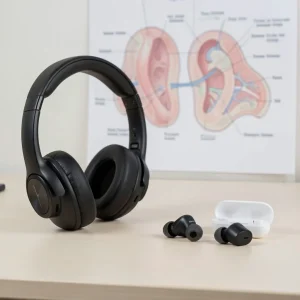
3. Choose the Right Type of Headphones
Different designs affect fatigue levels differently.
Over-Ear Headphones
-
Less pressure on ear canal
-
Better soundstage
-
Lower fatigue for long sessions
In-Ear Headphones
-
More direct sound delivery
-
Can cause fatigue faster if poorly tuned
-
Proper tips are essential
over-ear vs in-ear headphones for health
4. Use Noise-Canceling Wisely
Active Noise Cancellation (ANC) reduces background noise but may cause pressure discomfort for some users.
Tips:
-
Avoid max ANC for long sessions
-
Use adaptive or low-intensity ANC modes
-
Turn off ANC in quiet environments
5. Optimize Equalizer (EQ) Settings
Poor EQ is a major fatigue trigger.
Recommended EQ Adjustments
-
Reduce harsh treble (4–8 kHz)
-
Avoid extreme bass boosts
-
Aim for balanced or neutral tuning
A flat or Harman-tuned EQ minimizes auditory stress.
6. Improve Headphone Fit and Comfort
Uncomfortable fit leads to pressure fatigue.
For Over-Ear Headphones
-
Soft ear pads with memory foam
-
Moderate clamping force
-
Adjustable headband
For In-Ear Headphones
-
Use correct ear tip size
-
Try foam tips for better seal
-
Avoid deep insertion if uncomfortable
7. Upgrade Audio Quality
Low-quality audio increases mental strain.
Use:
-
High-bitrate streaming
-
Lossless formats when possible
-
Reliable DACs or audio interfaces
Cleaner sound = less brain fatigue.
8. Match Headphones to Your Use Case
Using the wrong headphones for long sessions causes unnecessary fatigue.
Examples:
-
Gaming → open-back or over-ear
-
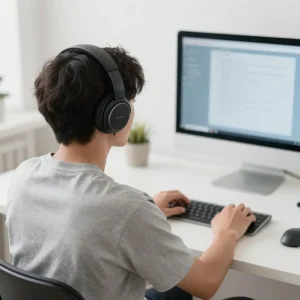
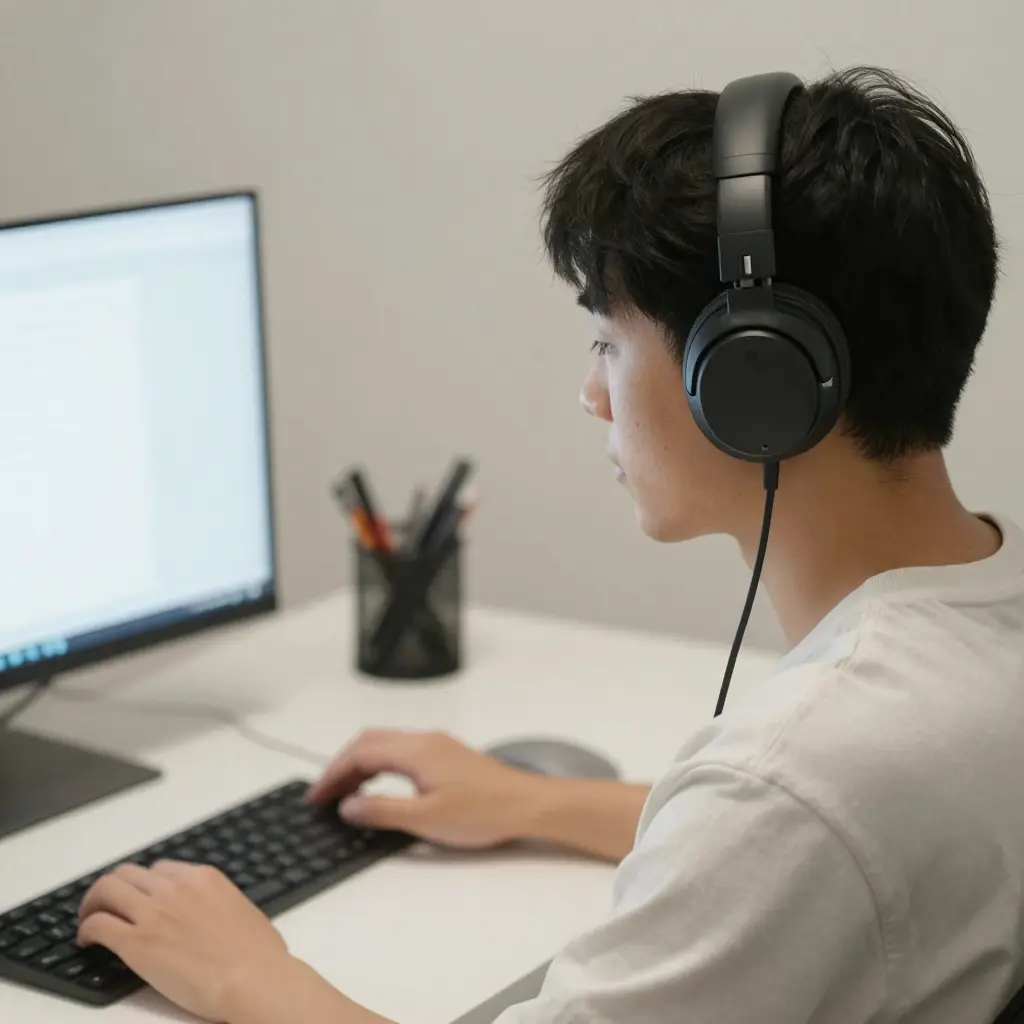
Office work → lightweight ANC headphones
-
Editing → neutral reference headphones
best headphones for long working hours
9. Limit Daily Listening Time
Even with perfect habits, excessive duration causes fatigue.
Safe guideline:
-
2–4 hours/day at moderate volume
-
Break sessions into smaller blocks
-
Avoid late-night high-volume listening
10. Watch for Early Warning Signs
Stop listening immediately if you notice:
-
Ringing
-
Ear pain
-
Muffled hearing
-
Mental exhaustion
These are signs your ears need rest.
How Listening Fatigue Affects Long-Term Hearing Health
Chronic fatigue may lead to:
-
Permanent hearing sensitivity
-
Early hearing loss
-
Persistent tinnitus
Preventing fatigue protects both comfort and future hearing ability.
Best Headphone Features to Reduce Listening Fatigue
When choosing new headphones, prioritize:
-
Neutral sound signature
-
Lightweight design
-
Comfortable ear pads
-
Low distortion drivers
-
Adjustable ANC levels
These features improve long-term listening comfort.
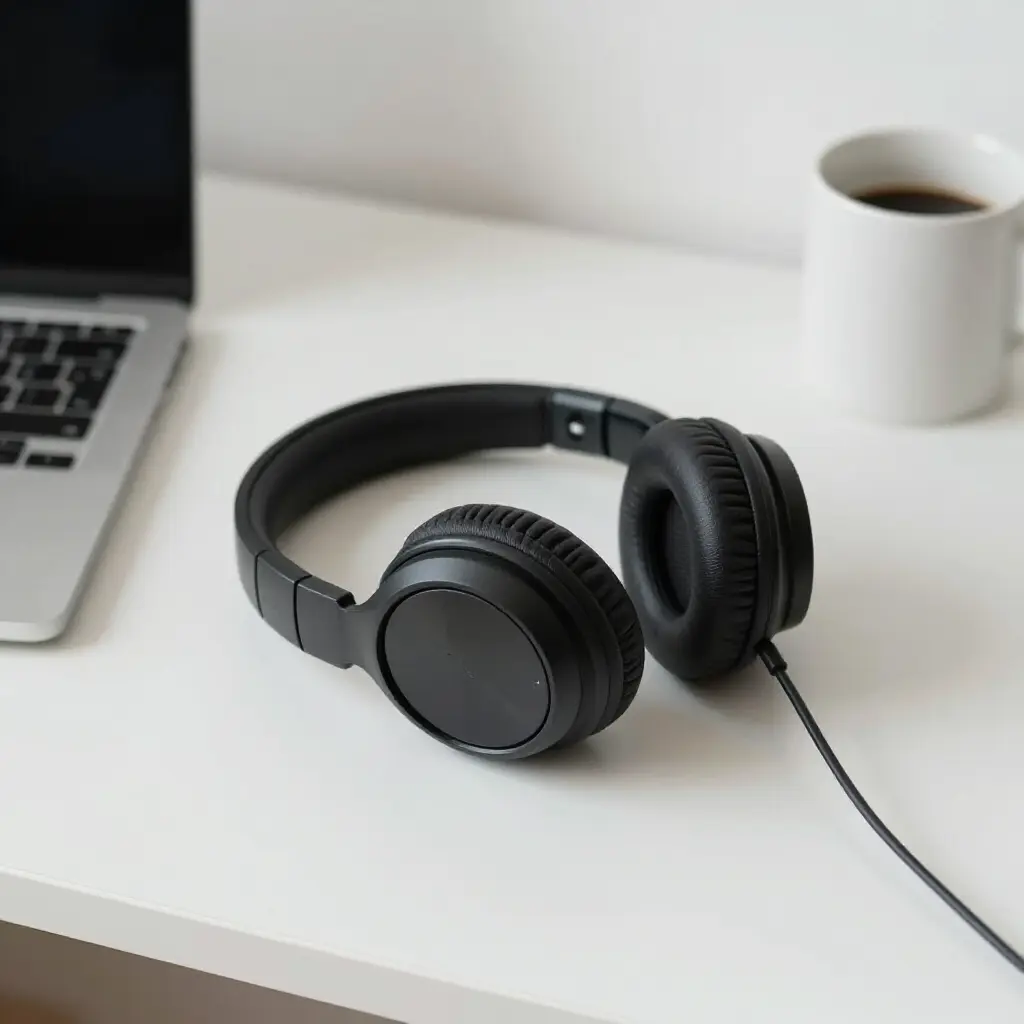
headphone mistakes that damage hearing
how loud is too loud for headphones
Frequently Asked Questions
How long can I wear headphones without fatigue?
Most people can listen comfortably for 60–90 minutes before needing a break.
Does noise cancellation increase listening fatigue?
It can for some users, especially at high intensity or long sessions.
Are over-ear headphones better for fatigue?
Yes, they generally cause less ear canal pressure than in-ear models.
Can EQ settings really reduce fatigue?
Yes. Balanced EQ significantly reduces auditory stress.
Learning how to reduce listening fatigue when using headphones is essential for long-term comfort and hearing health. By controlling volume, taking breaks, choosing the right headphones, and improving fit and audio quality, you can enjoy longer sessions without discomfort or damage.
Small habit changes today prevent serious hearing problems tomorrow.